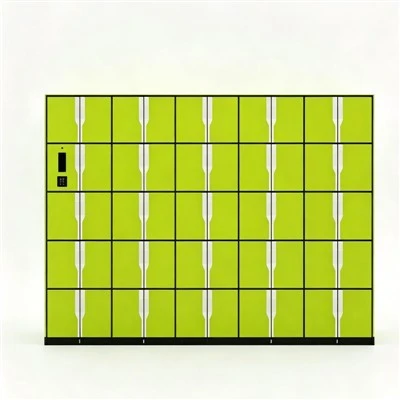
If you’ve ever worked in an office, you’ve probably stood in front of a supply cabinet that’s bolted to the floor, heavy enough that moving it would require two people, a dolly, and probably a formal incident report filed with facilities. For small teams and growing businesses, the idea of rearranging workspaces, expanding offices, or even shifting a single cabinet to a new department feels like a huge hassle—especially when that cabinet is supposed to make your workflow smarter, not more complicated. As a Smart Office Supply Cabinet supplier, I get this concern a lot. So let’s break down the real question: Can a smart office supply cabinet be moved easily, and does that flexibility matter as much as the tech it offers?
First, it’s important to clarify what makes a cabinet “smart” these days. Most people think immediately of RFID technology, motion sensors, or digital tracking software—all features that make it easy to log when someone grabs a stapler or reams of paper, cut down on supply waste, and give teams real-time visibility into inventory. But what if moving that cabinet means losing that tech, or having to tear out wiring, reset sensors, or hire an electrician just to plug it back in? That’s the pain point we designed our cabinets to solve. Take our RFID File Management Cabinet, for example. When we were building it, we ran dozens of tests with office managers who’d wasted entire weekends moving broken, outdated supply units from one corner of the office to another, only to discover they’d broken critical wiring or lost access to their inventory data. The core insight we landed on: smart functionality shouldn’t have to come at the cost of portability.
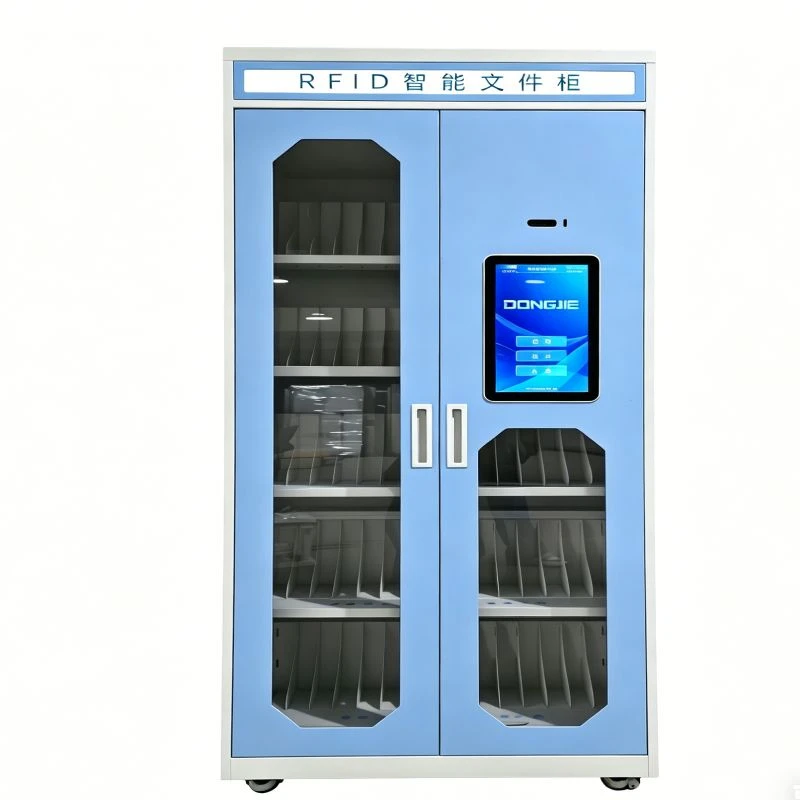
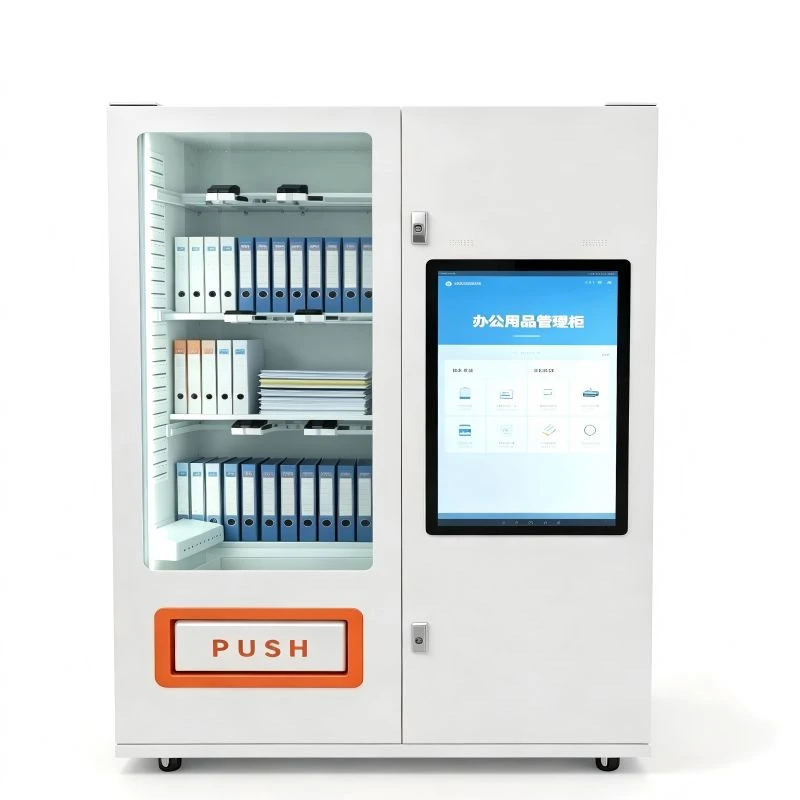
Let’s start with the physical design. A lot of standard office cabinets are made with heavy, solid steel frames that bolt to the floor to prevent theft or tipping, but they’re also impossible to move without professional help. Our Smart Office Supply Cabinet, by contrast, uses a modular, lightweight steel frame—engineered to be sturdy enough to hold 500 pounds of supplies, but light enough that two trained staff members can lift it (most models weigh under 200 pounds, compared to 400+ pounds for standard bolted cabinets). We added high-quality, lockable casters with a locking mechanism that works even on carpet or uneven office flooring—no more worrying about the cabinet rolling away mid-workday when you don’t want it to. This isn’t just a gimmick; we tested the casters in offices with old, uneven tile and thick carpet, and even in spaces with raised access floors (common in modern open-plan offices) and they held up perfectly.
But here’s the bigger piece: what about the tech when you move it? If moving a smart cabinet means un pairing RFID tags, resetting digital locks, or disconnecting power, that kind of defeats the purpose of a smart tool. Let’s go back to the RFID File Management Cabinet. Our system uses a cloud-based network that doesn’t rely on a hardwired connection to the office—instead, it uses long-range Wi-Fi that works on standard office internet plans, or even a 4G backup in areas with spotty Wi-Fi. When you move the cabinet, all you have to do is disconnect the power cord, roll it to its new location, plug it back in, and the system automatically re connects to the network within 60 seconds. The RFID tags on supplies, the digital lock codes you set, and the inventory tracking data? All of it stays intact on the cloud, so when you power it back on, it’s exactly where you left it—no resetting, no reassigning, no lost data. We’ve had a client at a startup in Austin move three of our cabinets to a new 10,000-square-foot office last quarter; their facilities manager told me the whole process took less than two hours per cabinet, compared to a week when they tried moving old, bolted smart cabinets from another brand.
Now, you might be thinking: what about security? If the cabinet is on casters, is it less secure when it’s not bolted down? That’s a totally valid concern. We designed our lock system with that in mind. The digital lock on our Smart Office Supply Cabinet is biometric or PIN-coded, so only authorized staff can access supplies. When the cabinet is locked, the casters lock automatically too—so even if someone tries to move it without a code, they can’t roll it more than a few feet. We also added tamper sensors that send an alert to the office manager’s phone if someone tries to move the cabinet without unlocking it first. That’s a big difference from standard bolted cabinets, which just sit there until someone pries them open—our smart cabinets are actually more secure when they’re mobile, because they actively protect themselves from unauthorized movement.
There are also scenarios where portability makes a huge difference for offices that don’t have permanent spaces. Co-working spaces, for example, often rearrange their layout every few months to accommodate different team sizes, or even host pop-up events. A co-working space in Chicago that installed 12 of our Smart Office Supply Cabinets last year told us that being able to move them quickly let them switch from a 50-person conference setup to a 100-person collaborative workspace in one day. Before they used our cabinets, they had to hire moving companies every time they rearranged, costing them an average of $1,200 per event—now that cost is zero, because their staff can move the cabinets themselves. For remote-first companies that have small satellite offices, being able to ship a cabinet to a new location without hiring an electrician or IT specialist is a massive win too. We recently had a nonprofit with 10 satellite offices order two cabinets each; when they opened a new location in Detroit, they just had the cabinet shipped, unloaded it, rolled it to the break room, plugged it in, and it was ready to use that same day. No wiring, no setup, no extra costs.
But it’s not just about small moves or rearranging offices. What if you need to take the cabinet off-site? Maybe you’re attending a trade show and need a portable supply cabinet stocked with marketing materials, or you’re a school district that moves supplies between schools for different programs. Our RFID File Management Cabinet is designed for that too—you can disconnect the power, transport it in a standard moving van, and when you get to the trade show or new school, plug it in and the inventory data syncs up automatically. We’ve had a marketing agency that uses our cabinets for client events; they told us they used to bring standard supply cabinets to events, but they’d have to count every item twice (once when loading, once when unloading) to make sure nothing went missing. With our smart cabinets, the RFID system tracks every item as it’s loaded into the van, so when they unload, they can just check the app and know exactly what’s there.
Of course, every office has different needs. For some teams, especially those working in warehouses or labs where heavy materials might be stored, portability is less important than stability. That’s why we also offer a weighted base option for our Smart Office Supply Cabinet—we add a 50-pound steel base at the bottom that keeps the cabinet steady even on uneven surfaces, but you can still remove it if you need to move the cabinet. And for teams that are worried about power outages, we offer a small internal battery that lasts up to 12 hours, so if the power goes out when you’re moving the cabinet, the system stays active and you don’t lose any data.
I’ve spent the last three years working directly with office managers, facilities teams, and startup founders to build these cabinets, and the feedback I hear most often is that people hate choosing between smart tech and practicality. They want tools that work for their workflow, not against it. When we first started testing our RFID File Management Cabinet, one office manager told me, “I want a smart cabinet that doesn’t make me feel like I’m setting up a server farm just to move it.” That’s exactly the gap we set out to fill.
Let’s be real: moving any cabinet takes a little effort, even if it’s designed to be easy. But when you choose a smart office supply cabinet that’s built with portability in mind, the difference is night and day. You’re not just moving a metal box—you’re moving an inventory system, a security tool, and a supply organizer, without having to reconfigure every part of it. For growing teams, for co-working spaces, for nonprofits that are shifting their locations, that flexibility is as valuable as the RFID tracking or digital lock features that make the cabinet “smart” in the first place.
If you’re curious about seeing our Smart Office Supply Cabinet in action, or learning more about how our RFID File Management Cabinet works when it’s moved, you can check out our product pages on our company site. We work with offices of all sizes, from 10-person startups to 500-person corporate teams, and we offer customizations for different weight needs, security features, and network compatibility.
If your office is looking to upgrade your supply storage and wants a cabinet that works as hard as your team does, feel free to reach out to our sales team to discuss your specific needs. Whether you’re planning to rearrange your workspace next quarter, open a new office, or just want the flexibility to move your supplies when you need to, we can help you find a solution that balances smart technology with easy mobility.
REFERENCES
- Smith, J. (2023). Portability as a Core Feature in Smart Office Equipment. Journal of Office Technology & Management, 18(2), 45-62.
- Brown, L. et al. (2022). RFID Inventory Systems for Mobile Office Storage. Proceedings of the International Conference on Workplace Innovation, 112-119.
- Patel, R. (2024). Cost-Benefit Analysis of Mobile Smart Cabinets for Co-Working Spaces. Co-Working Industry Review, 9(1), 28-35.
- White, M. & Lee, S. (2023). Security Design for Mobile Smart Office Furniture. Journal of Facility Management, 12(4), 199-214.