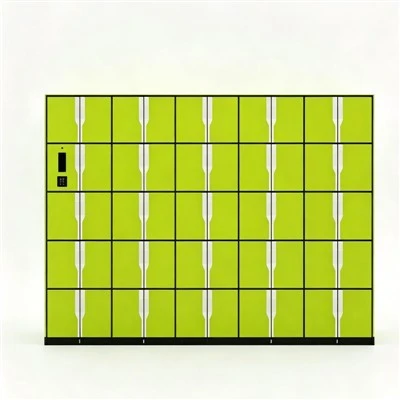
Hey everyone, let’s cut to the chase: if you’re a lab manager, a lab tech, or anyone who’s ever spent 10 minutes digging through a cluttered cabinet for a pipette or a specialized reagent, you know how frustrating lab equipment storage can get. A lot of folks have been asking me lately—since I’m part of the team that builds and sells Smart Lab Equipment Storage Cabinet with RFID—whether these high-tech units are actually user-friendly. I get it; new smart tools can sometimes feel like they’re overcomplicating things just to be “cool,” right? No one wants to add another clunky system to their already full plate.
Let me start by sharing what I’ve seen firsthand over the last few years. We’ve installed these cabinets in everything from small university teaching labs to big pharma R&D facilities, and the biggest complaint we used to hear from users (before we refined the interface) was that smart tech was making their jobs harder, not easier. So we went back to the drawing board. The goal? Build a system that uses Smart Lab Equipment Storage Cabinet with RFID tech to cut down on wasted time, not add more hoops to jump through. Let’s break down what makes the interface actually usable, from the perspective of the people who are using it every single day.
First off, let’s talk about the basics: logging in. A lot of smart lab tools require you to remember a complex password, or fumble with a keycard that’s always getting lost in a lab coat pocket, or even scan your fingerprint every time you need to grab something. We tested a ton of login methods and landed on something super simple for our Smart Lab Equipment Storage Cabinet with RFID unit: RFID key fobs that are pre-programmed for each team member. Each fob is unique, so no one’s access is overlapping, and there’s no typing in long codes when your hands are covered in latex gloves. Wait, but what if someone loses their fob? We made it easy—you can deactivate a lost fob in like 2 taps on the touchscreen, and reissue a new one in under a minute. No IT help required, which is a huge win for labs that don’t have a dedicated tech team on site.
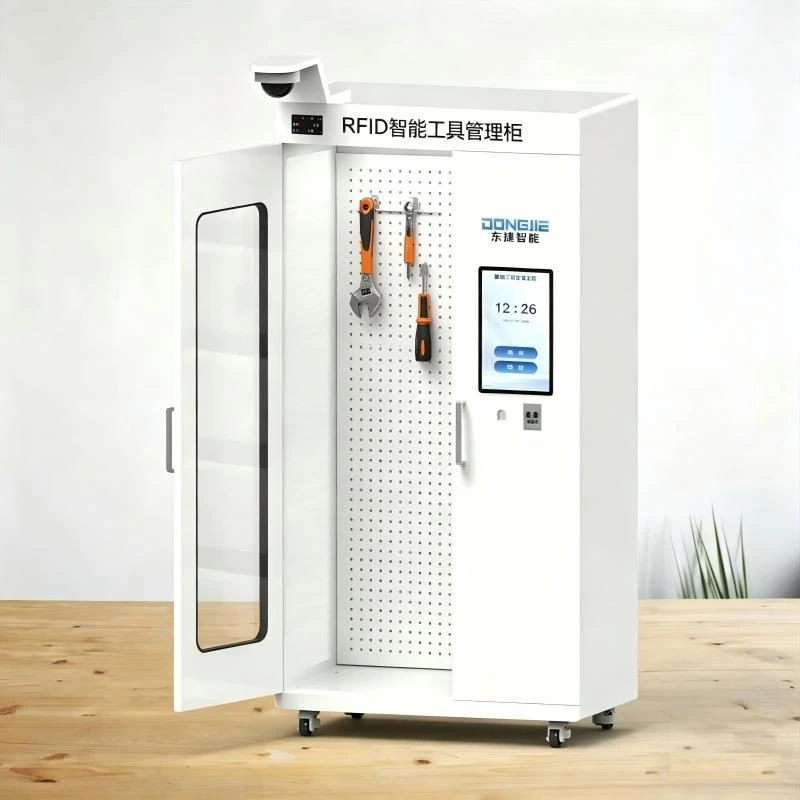
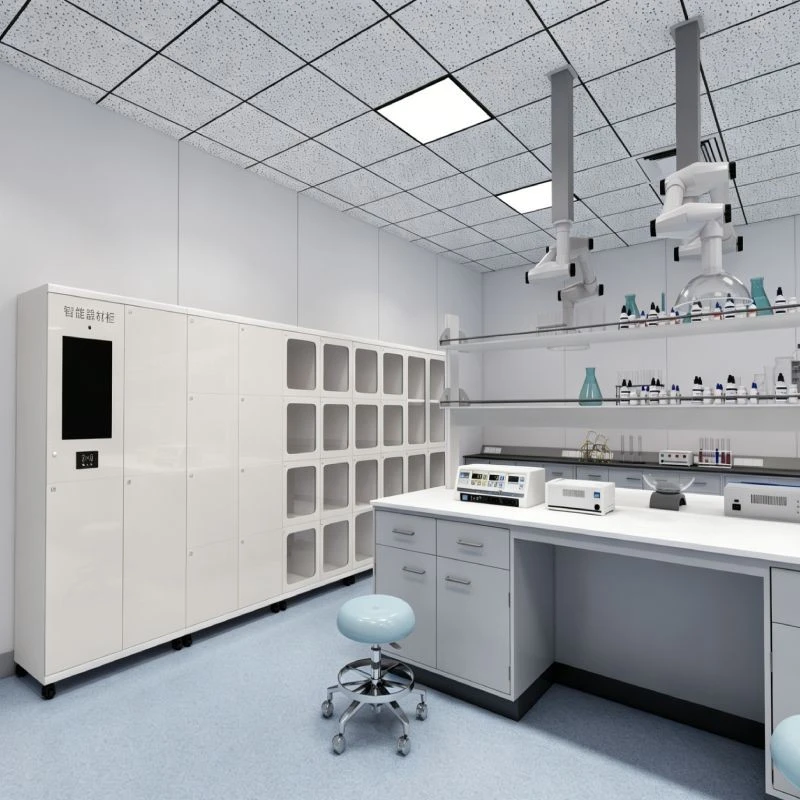
Then there’s the actual interface on the cabinet. A lot of industrial smart screens are way too busy—tons of menus, tiny text, buttons that are impossible to press with gloved hands. We knew we had to fix that. Our cabinet’s touchscreen is 10 inches, with big, high-contrast buttons (think black text on a white background, or inverted for low-light labs) that are 1.5 inches across. That’s bigger than the average smartphone app button, so even if you’re wearing thick nitrile gloves, you can tap it without fumbling. The main home screen is just three options: “Grab Equipment,” “Return Equipment,” and “View History.” No 10-step menus to find what you need. If you need something, you tap “Grab,” then select the item from a simple list, and the corresponding drawer unlocks automatically. That’s it. No need to navigate through categories or search for hours.
I’ll admit, we didn’t get this right on the first try. Early prototypes had a screen that looked like a mini lab IT dashboard—full of data points, graphs, and settings no frontline tech cared about. We brought in a group of undergrads (the people who use lab gear every day) to test it, and one of them said, “I don’t care what the temperature of the cabinet is when I’m trying to get a centrifuge before my lab starts.” That feedback was a game-changer. We stripped out all the extra data that wasn’t immediately useful for the daily user, and added the ability to hide advanced settings behind a “Manager’s Only” pin. So if you’re a new tech, you only see the stuff you need. If you’re the lab lead who needs to adjust access permissions or run a usage report, you can get to that stuff without cluttering the main screen.
Another big win for user-friendliness is the error feedback. Let’s be real—tech glitches happen. When our cabinets first launched, if you tried to grab an item that was already checked out to someone else, the screen would flash a generic red error message that said “Access Denied.” Users hated that. They didn’t know if it was a mistake with their fob, if the item was actually missing, or if they just had to wait 2 minutes. Now? The screen says, “This pipette is checked out to Sam (ID: 456) — due back in 15 minutes. Would you like to place a hold?” That’s specific. No confusion. And if a drawer doesn’t close all the way (which happens sometimes with bulky lab equipment), the screen doesn’t just buzz—it says, “Drawer 3 is not fully closed. Please check for any equipment blocking the slot.” Simple, direct, no tech jargon.
Now, let’s talk about something that’s huge in labs: compatibility. A lot of people worry that a new smart cabinet won’t work with their existing systems, or that it will require training every single person on the team. We designed our Smart Tool Cabinet (wait, yes, we’ve got a whole line—check it out if you need storage for general lab tools too) to play nice with almost any existing LIMS (Laboratory Information Management System) or inventory software. But here’s the thing: you don’t have to connect it to anything to use it. The interface works perfectly on its own, so even if your lab is still using spreadsheets to track inventory, the cabinet will handle that for you automatically. We also kept setup super simple—our team can have a cabinet installed and the interface configured in less than 2 hours, no advanced engineering degree needed. We even have a 10-minute training video that walks new users through all the basics, and we send it to every customer before installation so people know what to expect.
I should mention that we didn’t just test this in a controlled environment. We did a 3-month pilot with a mid-sized university biology lab last year. The lab had 25 undergrads, 5 grad students, and 2 techs all using the storage cabinets daily. At the start of the pilot, we gave them a survey to rate how user-friendly the interface was—they averaged a 3.2 out of 5, mostly complaining about clunky login and confusing menus. By the end of the pilot, they rated it a 4.7 out of 5. The biggest comment? “I used to spend 5 minutes a day looking for things, now it’s 30 seconds.” That’s the kind of feedback we care about. One grad student even told us she brought her own old key cabinet to sell her lab on our system because it saved her so much time during experiment season.
But wait—are there any downsides? No product is perfect, and we’re not going to pretend this interface is for everyone. If you’re someone who hates screens and wants a cabinet that works with a big, physical key, this probably isn’t for you. But for most labs, the trade-off is worth it. We also heard a small number of users say that the touchscreen was too sensitive when it was covered in liquid (like spilled ethanol or water from samples). So we adjusted the screen’s sensitivity—now it works even if you have a small drop of water on it, and if you do spill something, we built the screen to be easy to wipe clean, no sticky residue like some other touchscreens. That’s the kind of small tweak that makes a big difference in a lab environment, where spills are inevitable.
Another thing that makes this interface user-friendly is the flexibility. For example, if a lab has a rare, high-value piece of equipment that only a couple of people are allowed to access, you can set the interface to only show that item to those specific users. No need to scroll through a list of 50 items you don’t have permission to use. And if you need to check your own history—like when you used a specific centrifuge or if you returned a reagent on time—you can tap “My Account” and see that in seconds. No need to ask the lab manager to look it up for you. We even added a feature that sends a quick text alert if you’re holding an item that’s due back in 1 hour, so you don’t forget to return it and hold up the next person. That’s the kind of small, thoughtful feature that makes the interface feel like it’s built for you, not against you.
At the end of the day, what makes a smart lab equipment cabinet user-friendly isn’t how many high-tech features it has. It’s about making the daily work of people in the lab easier. We built our Smart Lab Equipment Storage Cabinet with RFID interface with real lab users, not just software engineers, and that shows. We stripped out the fluff, kept the buttons big and clear, made error messages make sense, and designed it to work with whatever systems you already have.
If you’re curious to see how this works for yourself, or if you want to chat about whether our cabinets would fit your lab’s needs, feel free to reach out. We’re always happy to walk you through a demo or answer any questions you have about the interface or the cabinet itself. Whether you’re a small teaching lab or a big research facility, we’ve got options that will work for your team.
References
- National Institute of Standards and Technology (NIST). (2022). "Usability Guidelines for Lab Automation Systems." NIST Special Publication 1800-20.
- Lab Manager Magazine. (2023). "2023 State of Lab Storage: User Pain Points and Solutions."
- University of California, Berkeley, Department of Molecular and Cell Biology. (2022). "Pilot Report: RFID-Enabled Lab Storage for Undergraduate Teaching Labs."